Vion App
APK for Android
Vion App gives users a simple way to explore cartoons, anime, animated stories and entertainment in one mobile-friendly interface with easy navigation and viewing options.
Download Vion App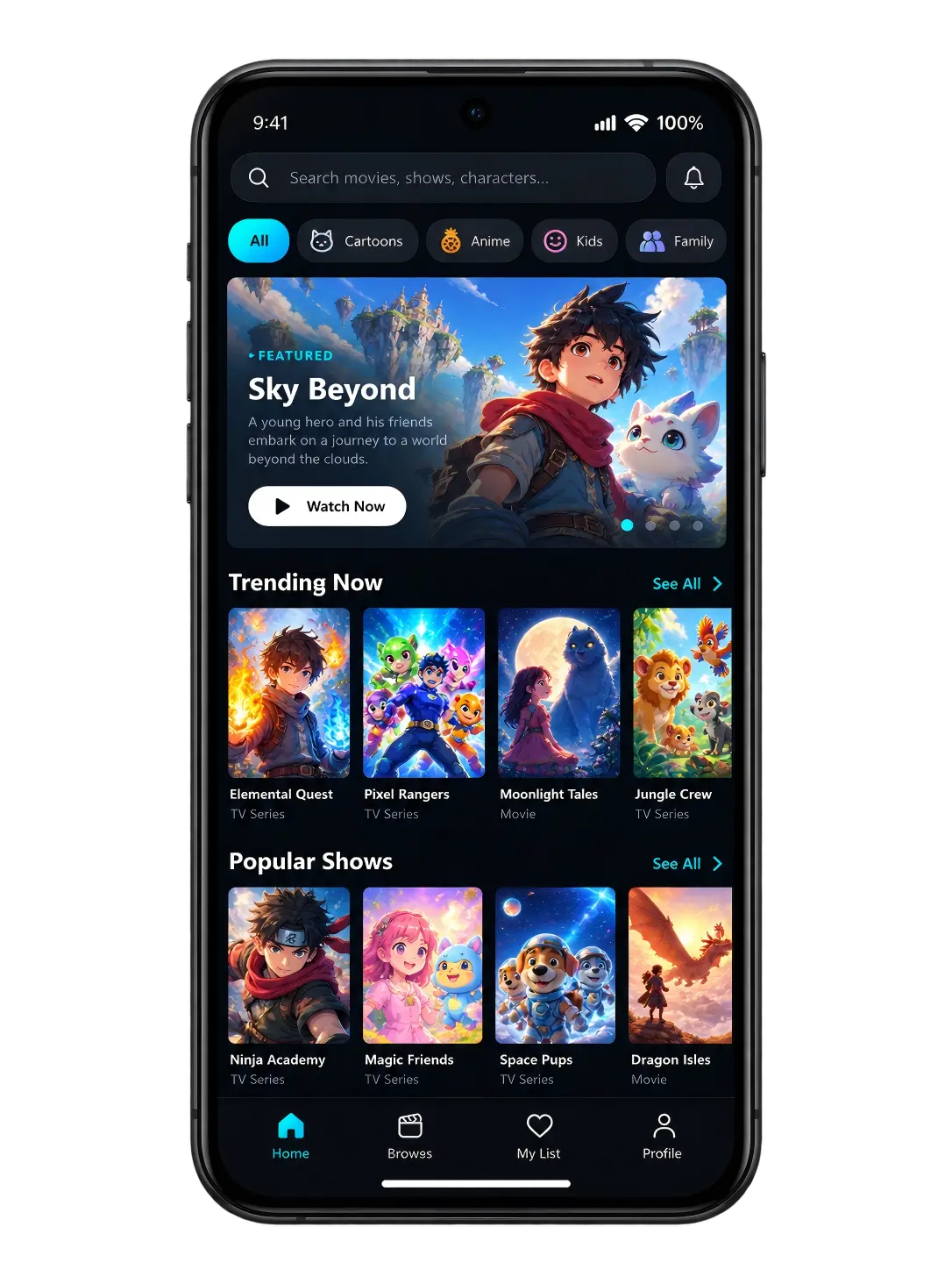
Vion App APK
Vion app is an entertainment app for cartoons, anime, animated stories, and other videos. It uses a simple mobile-friendly layout, so users can browse categories, search for shows, check recent videos, and start watching without complicated menus. The app may also include different playback options depending on the version.
For Android users, the Vion app download APK offers a direct installation method when an app store option isn’t available. Users can download the APK, allow installation permission, and install it manually. After setup, they can easily browse available content. A stable internet connection helps with smoother streaming, while features and layout may vary between versions.
What is the Vion App APK?
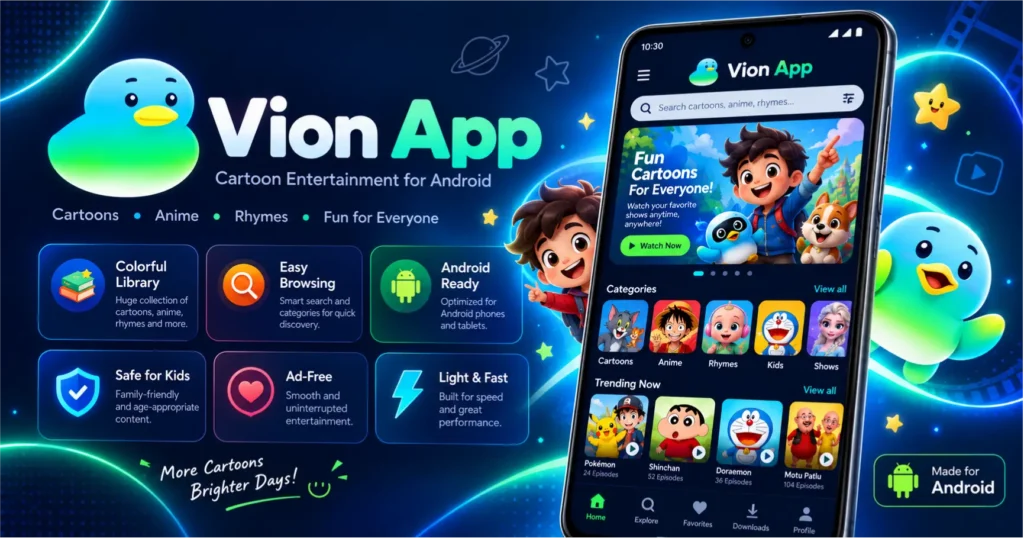
The Vion app APK is an Android installation file for compatible phones and tablets. It gives users access to cartoons, anime, animated stories, and other entertainment through a simple mobile interface. Users can browse categories, search for titles, play videos, and use basic controls. Some versions may also include subtitles, favorites, watch history, or video quality options.
People searching for a Vion cartoon app usually want quick access to animated content without a complicated setup. The app may work on many Android devices, but compatibility depends on the Android version, storage, and available memory. Its simple category-based layout makes content easier to find, including cartoons, anime, Hindi content, and family videos.
How to Use the Vion App?
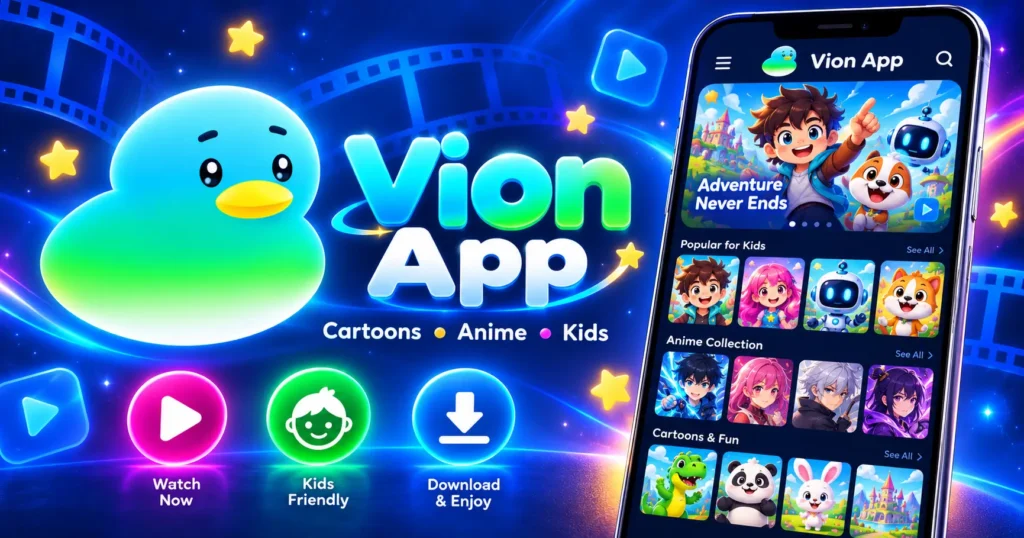
After installing the app, users can start using it with a few simple steps. The buttons may look slightly different depending on the version, but the general process is mostly the same.
Users who download the Vion app often do so for easy access to animated entertainment, so basic use is straightforward. Once you understand the home screen and category layout, you can use most sections without extra settings.
Features of Vion App
Cartoon and Anime Library
The Vion anime app can give users access to different animated categories in one place. Users may find cartoons, anime, animated stories, and family-focused videos depending on what is available. This makes browsing easier because content is grouped into sections instead of being mixed together.
Simple Home Screen
The home screen is designed to stay easy for regular users. Main options, categories, and video sections are shown clearly, so moving between areas doesn’t feel complicated. The layout may change slightly across versions.
Hindi Cartoon Content
Users searching for Hindi cartoon TV videos Vion may prefer the app because it can include different animated content and language-based viewing options. Hindi cartoons are useful for viewers who want familiar language content, especially younger users and family viewers.
Search Option
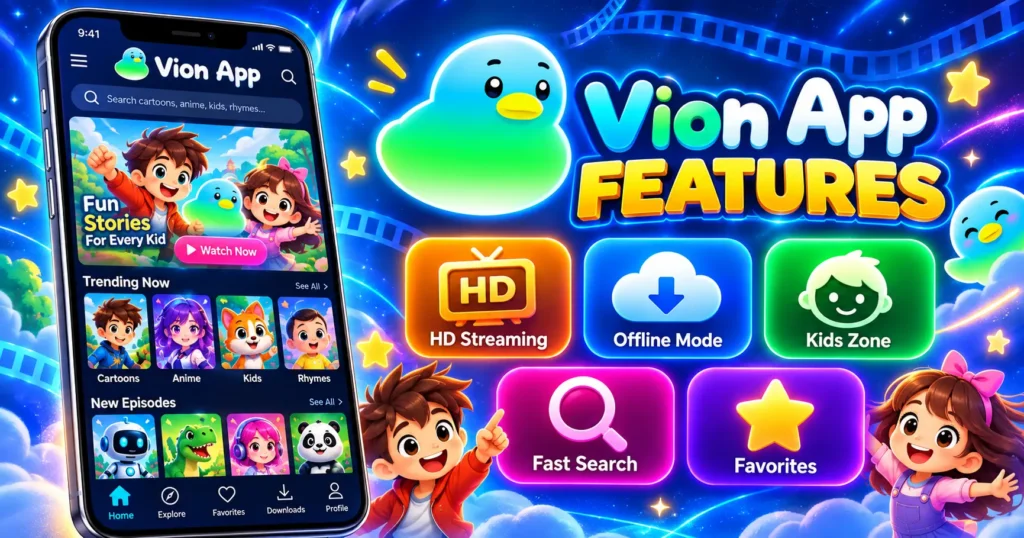
The search tool helps users quickly find a cartoon, anime title, or other available video. Instead of scrolling through many sections, users can enter a title or related word in the search area. This can save time as the library grows.
Cartoon-Focused Categories
The Vion cartoon section makes it easier for users to browse animated shows grouped under cartoon content. This category-based layout is useful when someone does not want to search title by title and can also help users discover other content.
HD Video Playback
Some videos may support better picture quality depending on the source and connection. Higher quality can make animation details and colors look clearer, but it can also use more internet data. Users with slower internet may prefer a lower setting.
Direct APK Installation
The Vion APK download option gives Android users a direct way to install the app through an APK file. This can be useful when users prefer manual installation instead of depending only on an app store.
Playback Controls
The app can provide common controls like play, pause, rewind, and fast-forward. These basic options make videos easier to manage while watching. Most users already know these controls, so they need little learning.
Cartoon and Anime Download Interest
People looking for Vion app cartoon anime download usually want one app that keeps both types of content in one place. The app can make this more convenient through separate categories and a mobile-friendly layout.
Subtitle Support
Some available videos may include subtitles, which can help when the audio language is different. This can help anime viewers or users watching content in another language. Subtitle support may not be present with every video.
Android Package Access
The Vion app APK lets users install the application on supported Android devices through a downloaded package file. This installation method is simple once the required permission is enabled.
Watch History
Watch history helps users return to videos they have already opened. This is useful for longer anime or cartoon series because users do not need to search again every time. It also speeds up the viewing process.
Anime Entertainment
The Vion anime section can help viewers who mainly want animated series and anime-style content. Users may browse different titles and open videos directly from the app interface.
Favorites Option
A favorites feature can help users save selected videos or shows for later. This keeps preferred content in one place and reduces repeated searching. It is a small feature, but it can make daily use more convenient.
Cartoon TV Viewing
Users searching for Vion cartoon TV app download may want a simple mobile option for cartoon-based entertainment. The app can provide organized sections where viewers can browse available animated videos.
Mobile-Friendly Interface
The interface is designed mainly for phones and tablets. Buttons, categories, and video cards are arranged to fit smaller screens, which makes browsing comfortable in normal use. It may look slightly different on large screens.
Hindi Cartoon TV Videos
Searching for Hindi cartoon TV videos Vion app is common among users who want Hindi-language animated entertainment in a mobile format. The app may include cartoons or related content in one place for easier access.
Multiple Video Quality Options
Different quality levels let users adjust streaming based on their internet speed. Higher quality gives clearer visuals, while lower quality may reduce buffering and mobile data use. This is useful when internet speed is not always stable.
PC Access Option
Users looking for the Vion app for PC may try accessing it through a compatible Android emulator. This lets the mobile interface run on a desktop or laptop screen. Performance depends on the computer and emulator you use.
Android TV Compatibility
The Vion app for Android TV may interest users who want animated entertainment on a larger television screen. Compatibility can depend on the Android TV device, app version, and installation method. Navigation may also feel different than it does on a phone.
Pros and Cons of the Vion App
Pros
- Simple interface that is easy for regular users to understand.
- Different cartoon, anime, and animated entertainment sections are available in one place.
- Search tools can make finding specific content quicker.
- The app is designed mainly for mobile screens and normal touch controls.
- Multiple video quality options may help users with different internet speeds.
- Full-screen playback can improve the viewing experience on phones and tablets.
- Favorites and watch history may help users return to content later.
- Subtitle options can be useful when they are available for selected videos.
- APK installation gives Android users another way to install the application.
- Users interested in Vion TV may find the larger entertainment-style layout convenient.
- The app can provide different content sections without making navigation too difficult.
- New versions may improve performance or change available features over time.
Cons
- Streaming quality depends heavily on your internet connection.
- Some videos may not have subtitles or multiple quality options.
- The content library can change, so a title available today may not stay there always.
- Manual APK installation requires users to allow installation permission on Android.
- Vion mod APK versions on third-party websites may differ from the official app and can carry additional security risks.
- Performance may be different on older phones, Android TV devices, or emulators.
How to Download and Install Vion APK
Installing the application through an APK file is generally simple on a compatible Android device. Users searching for vion app apk download should first make sure their phone has enough free storage and that the Android version can support the file. It is also better to review the source before downloading because APK files installed outside normal stores need a little more care.
People searching for a Vion app download APK for Android TV can follow a similar process if their Android TV supports manual APK installation. You may need to transfer the file via USB, download it in a browser, or use another supported method. Navigation on television can feel different than on mobile so that users may need a remote or compatible controller.
For desktop users, downloading the Vion app for PC usually means running the Android version through a compatible emulator. The exact setup depends on the emulator and operating system. Check system resources, as weaker computers may run mobile apps more slowly than expected.
FAQs about Vion App
It is mainly used for browsing cartoons, anime, animated stories, and related entertainment content through a mobile-style interface.
Some versions offer free access, but available content and features may differ. Users should check the version details before installation.
Yes, some users look for a Vion app download APK for Android TV, but compatibility depends on the TV model, Android version, and the APK itself.
Users searching for Vion app download PC may use a compatible Android emulator. The experience can vary depending on computer performance.
VionApp is another way users may write or search the application name online. It generally refers to the same entertainment-focused app.
People may search for Vion TV app when they want a version suitable for television screens. Support can depend on the device and available app build.
Vion TV APK usually refers to an Android installation package intended for television or large-screen Android devices. Users should check compatibility before installing it.
It may include anime sections along with cartoons and animated stories. The available library can change over time.
Some users search for Hindi-language cartoon content inside the app. Actual language availability can depend on the title and current library.
Buffering can happen because of slow internet, busy servers, high video quality, or device performance. Lowering video quality can sometimes help.
Users typically download a newer APK and install it over the existing one, when supported. It is useful to confirm the version before updating.
No. Modified versions can change original features or permissions. Users should be careful because unofficial modified files may not have the same security or reliability as the regular version.
Conclusion
The app gives users a simple way to browse cartoons, anime, animated stories, and other entertainment from a mobile device. Features such as search, categories, playback controls, watch history, and video quality options can make everyday use more convenient, even though not every version includes all features.
Users who prefer Android installation files can install the app manually, while Android TV and PC users may need additional setup. The experience still depends on device compatibility, internet speed, and the version being used. For many users, the main reason to try it is simple access to animated entertainment without too many complicated menus.